001 OTHERWHERE OS
An operating
system for
imagination.
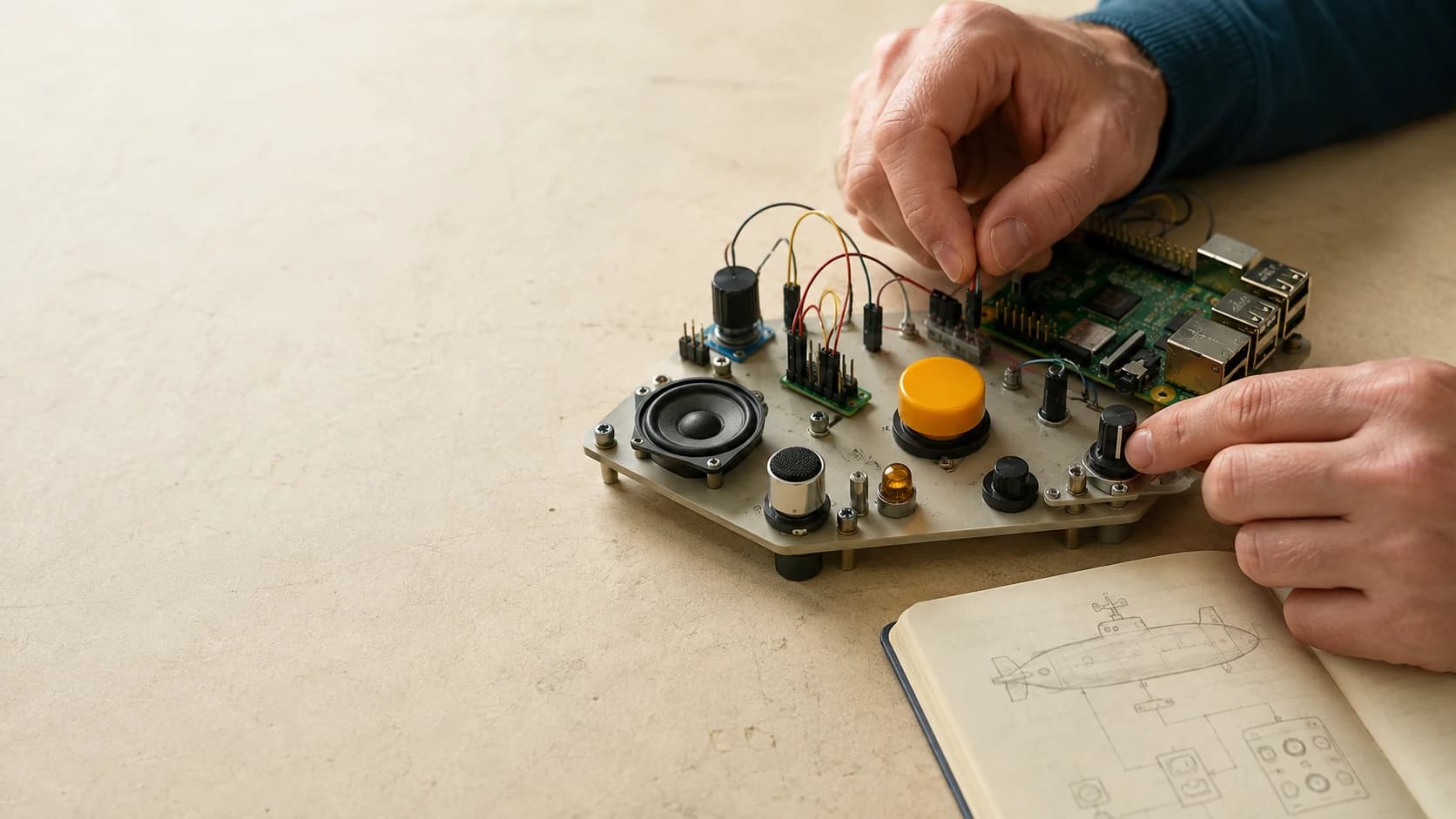
Otherwhere OS runs on your Raspberry Pi. It connects your buttons, lights, and sound to the worlds you create.
Try a working example Build with Codex or Claude CodeOur first project. In development.
THE PROBLEM
A button is easy.
A world is harder.
A switch can turn on a light. But what should that light mean after a distress call? Who answers? What changes when you press it again?
The hard part is keeping the button, the sound, and the story in agreement. Handling a second press while a cue is playing. Remembering the signal after a restart. Giving the next interaction a past.
Otherwhere OS runs the reactions on your device and connects them to a story that remembers. You define what happens. The OS carries it through.
THE SOLUTION / TRY IT YOURSELF
A few rules.
A whole different button.
Press it. Hear the response. See what changes.
Then change the rules and try again.
Press the amber button. Follow the reaction.
Watch rules 1–4 light up beside the button, lamp, speaker, and story.
# This is what the button does.
- id: activate_beacon
on: primary_action.pressed
when:
- { path: state.ready, op: eq, value: true }
actions:
- state.set: { path: ready, value: false }
- light.set: { target: status_indicator, value: true }
- sound.play: { asset: rescue_scan, key: scan }
- timer.start: { timer: cooldown, delay_ms: 7000 }
- server.emit: { event: beacon_requested }
beacon.activefalseNo signal yet. Your next press changes that.
Go on. Press the button.
Watch the numbered rules light up with the parts they control.
THE SYSTEM YOU JUST TRIED
Otherwhere OS on your device.
Otherwhere Cloud behind your world.
Otherwhere OS
ON YOUR DEVICERuns the behavior you configure for your buttons, lights, and sound. The press, the cue, the next reaction—all handled on your device.
In the demo: the button lights the lamp and plays the scan.
Otherwhere Cloud
HOSTED FOR YOUR DEVICESThe hosted companion for your devices, scenarios, and stories. It runs the story engine and keeps the memory your next interaction builds on.
In the demo: the beacon stays remembered when the board restarts.
Enrolled devices connect securely to your account.
OS + Cloud are in development. Raspberry Pi first; Otherwhere OS runs on Raspberry Pi OS.
AGENT SKILLS / HUMAN IMAGINATION
You bring the idea.
Your agent knows the system.
A collection of agent skills for Codex and Claude Code. Configure your board, create a scenario, and check how it behaves—with the agent you already use.
WHAT DO YOU WANT TO MAKE?
Open the project in Codex or Claude Code. Choose a starting point and paste the brief. Our skills supply the configuration rules, examples, and checks.
YOUR IDEA → AN AGENT BRIEF
02“Turn my console into a dinosaur tracker. The first press arms it. A second press within five seconds sends the signal.”
Includes the starting files, requested behavior, and verification steps.
Files you can read. Behavior you can check.
console.v3.yaml— Your existing board stays the samemy-dinosaur-tracker.v1.yaml— Characters, rules, and button behaviormy-dinosaur-tracker.json— Presses and timing to exercise the rules
Press once to arm. Press again to send. Let the window expire and check the reset.
See a complete exampleLOOK UNDER THE HOOD
Explore the example builds.
IN DEVELOPMENT / RELEASE UPDATES
Build your next world
with Otherwhere OS.
We’re building Otherwhere OS for makers to use on their own devices, starting with Raspberry Pi. Get release updates and find out when you can start creating.